Kubme is a no-code platform for building visual work tools connected to your data, without writing a single line of code: lists, dashboards, interactive maps, calendars, notes, documentation, mind maps and websites.
Kubme in one minute
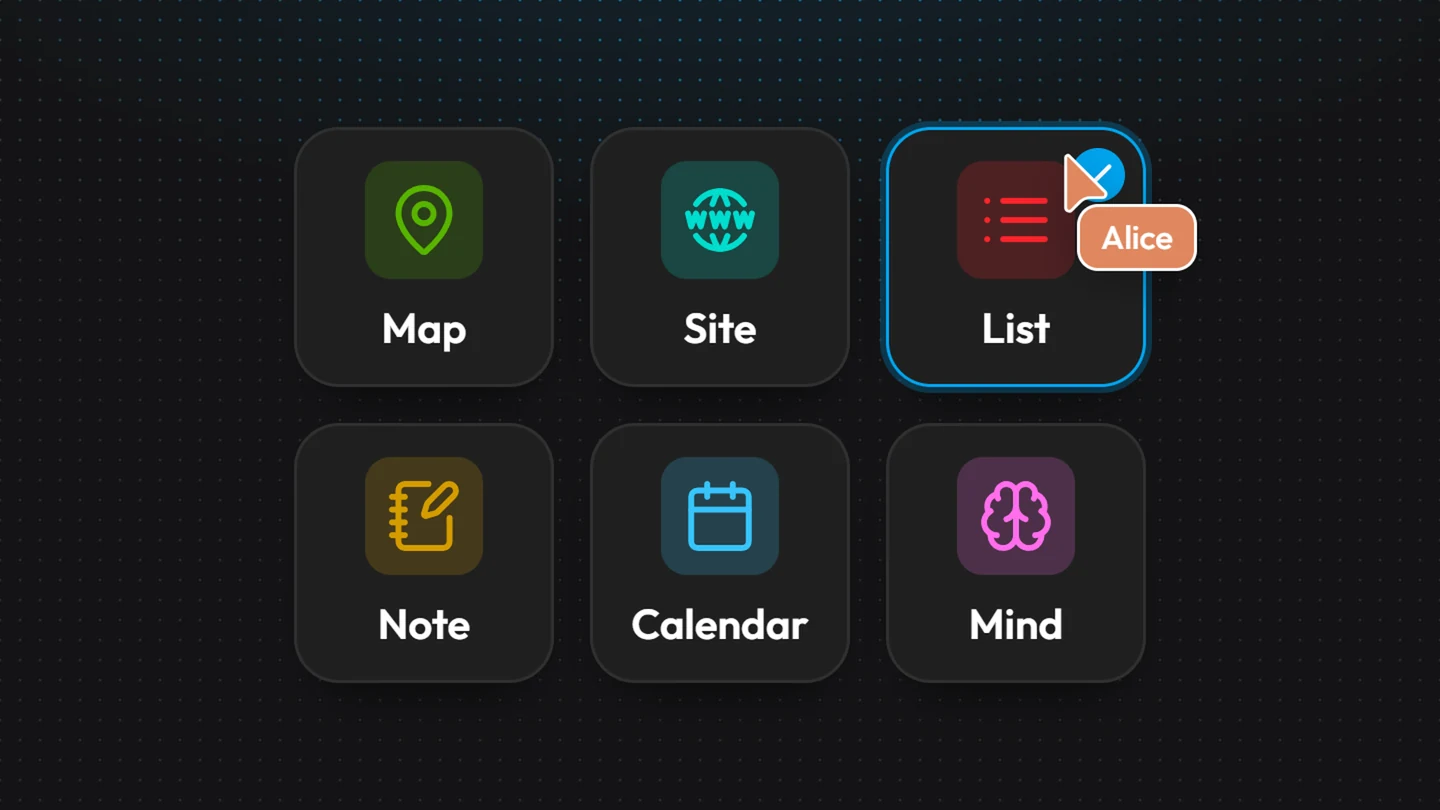
You create components. A component is a ready-to-use tool: a customer list, a map of your stores, your team's schedule, your restaurant's website (see Components overview).
You connect them to your data. Each component relies on a data source, the connector. By default, your data is stored in Kubme. You can also read it from any API.
You work together. Everything is edited in real time with your colleagues: you see who is there and every change shows up for everyone (see Co-editing).
You publish. A component can go live on a
kubme.app address or on your own domain, or be embedded in another website as a widget.Kubme AI helps you. The assistant, running on Mistral Large 4, finds, creates and fills your components for you, with your rights (see How Kubme AI works). You can also drive Kubme from Claude, ChatGPT or Le Chat (see The Kubme MCP server).
What you can build
Where to find Kubme
The studio works in any recent browser. On a phone, some components open read-only (see Overview).