A Multi-source connector brings several sources together behind one component. Every component comes with one: by default with a single source, Kubme storage, to which you can add your own.
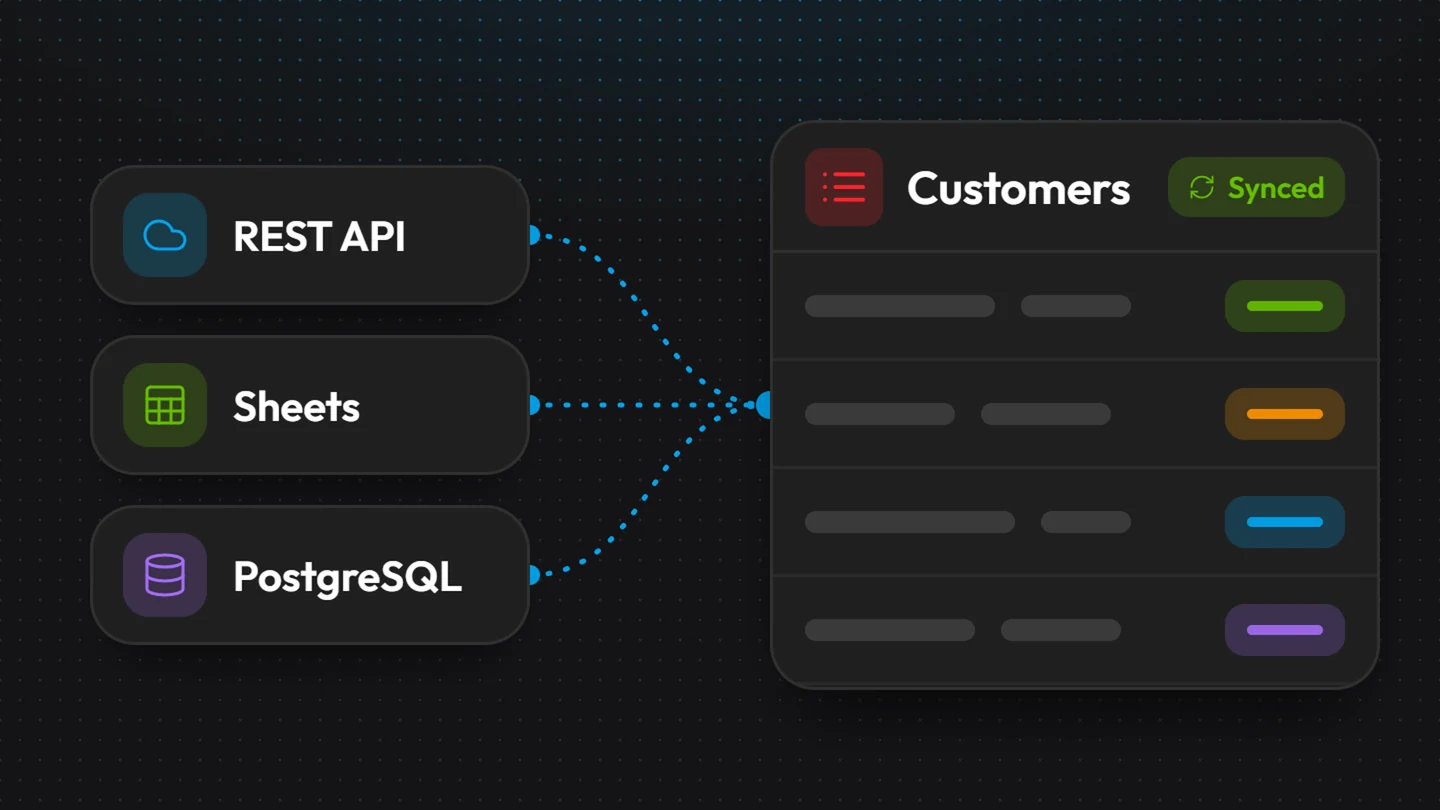
Examples:
a list that reads its rows from your CRM and adds notes stored in Kubme;
a calendar that shows the events of two different APIs at once.
Adding a source to a component
Open the component's Configuration, Source tab.
Choose the data type to feed (for example "Entry").
Under Additional Connector, click + and select one of your standalone connectors (from the catalog or custom).
Click the connector's card and assign its actions: which action reads the data, which one creates, updates or deletes it.
Kubme opens Map interfaces: match the API fields with the component's columns. Automatic matching works by name. Adjust if needed, then Done.
An action without a mapping shows "No mapping defined": click Map (see Mapping).
An action's parameters
If an action expects a parameter (a customer ID, a date…), choose its value with Select a source:
None;
Default value: a fixed value;
a column of a data type;
Component props.
How Kubme reads several sources
When the component reads its data, all sources are called at the same time, and their results are merged. If one source is down, the others still show. If they all fail, Kubme shows "All sources of the action failed".
When writing (creating a row, for example), Kubme asks you which source to write to when there are several.
Starting over
Resetting erases the data
Configuration › Settings › Reset connector regenerates the default connector. All data is erased. Create a version first.