The Mind component creates mind maps: brainstorming, outlines, org charts, decision trees.
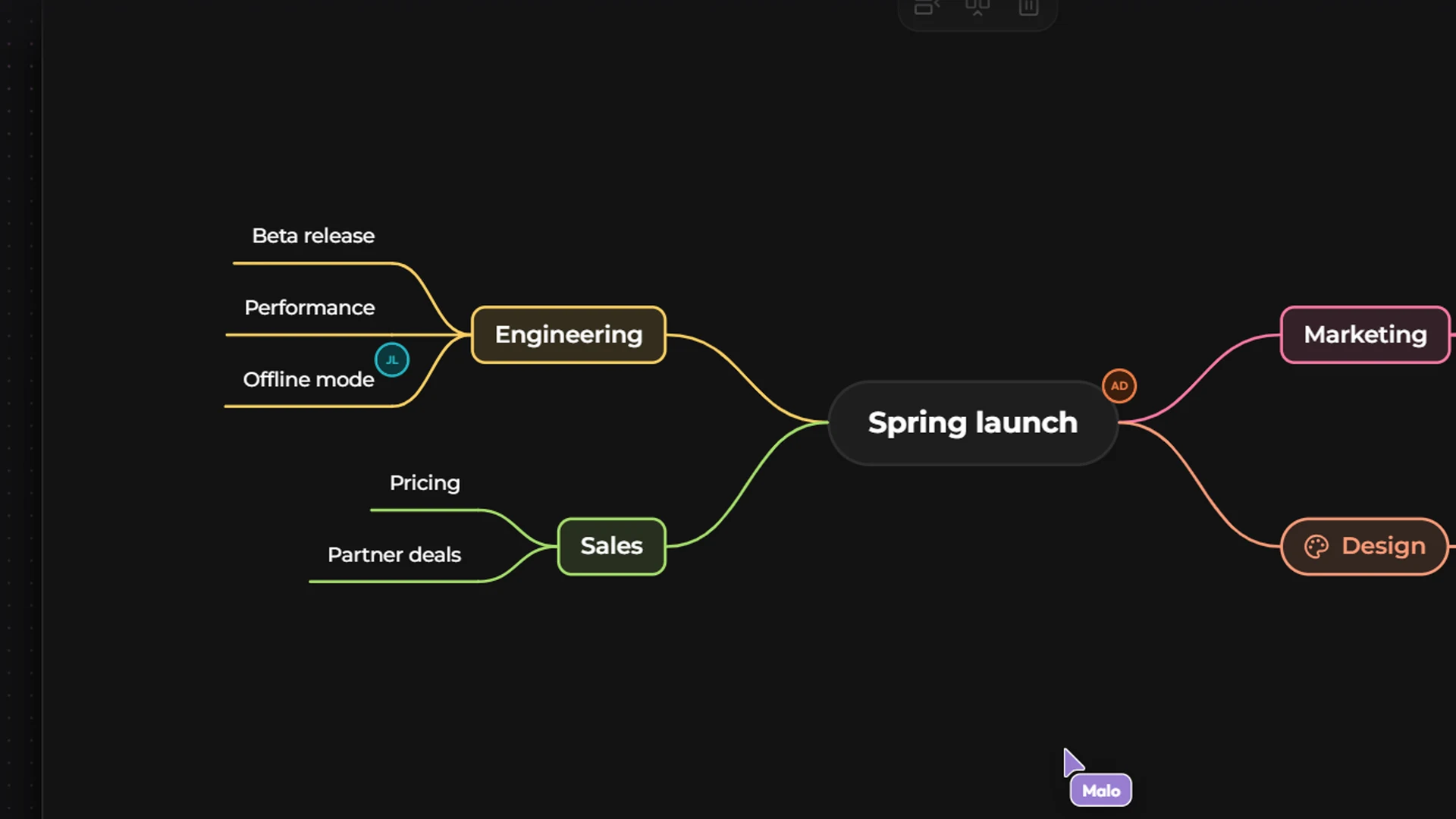
Building with the keyboard
The keyboard is the fastest way:
On an empty map, click Add the first node.
With Kubme AI
Ask Kubme AI: “Make a mind map of our product launch, with one branch per team and 3 actions per branch.”
With the mouse
The action bar offers Add a child node, Add a sibling node, Rename, Collapse / Expand and Delete.
Right-click a node: the same actions, plus Add an image, Add a component, Copy style, Paste style and Reset style.
Drag a node to attach it elsewhere. Draw a lasso to select several.
The zoom badge offers Back to 100% and Fit the map to the view.
Styling
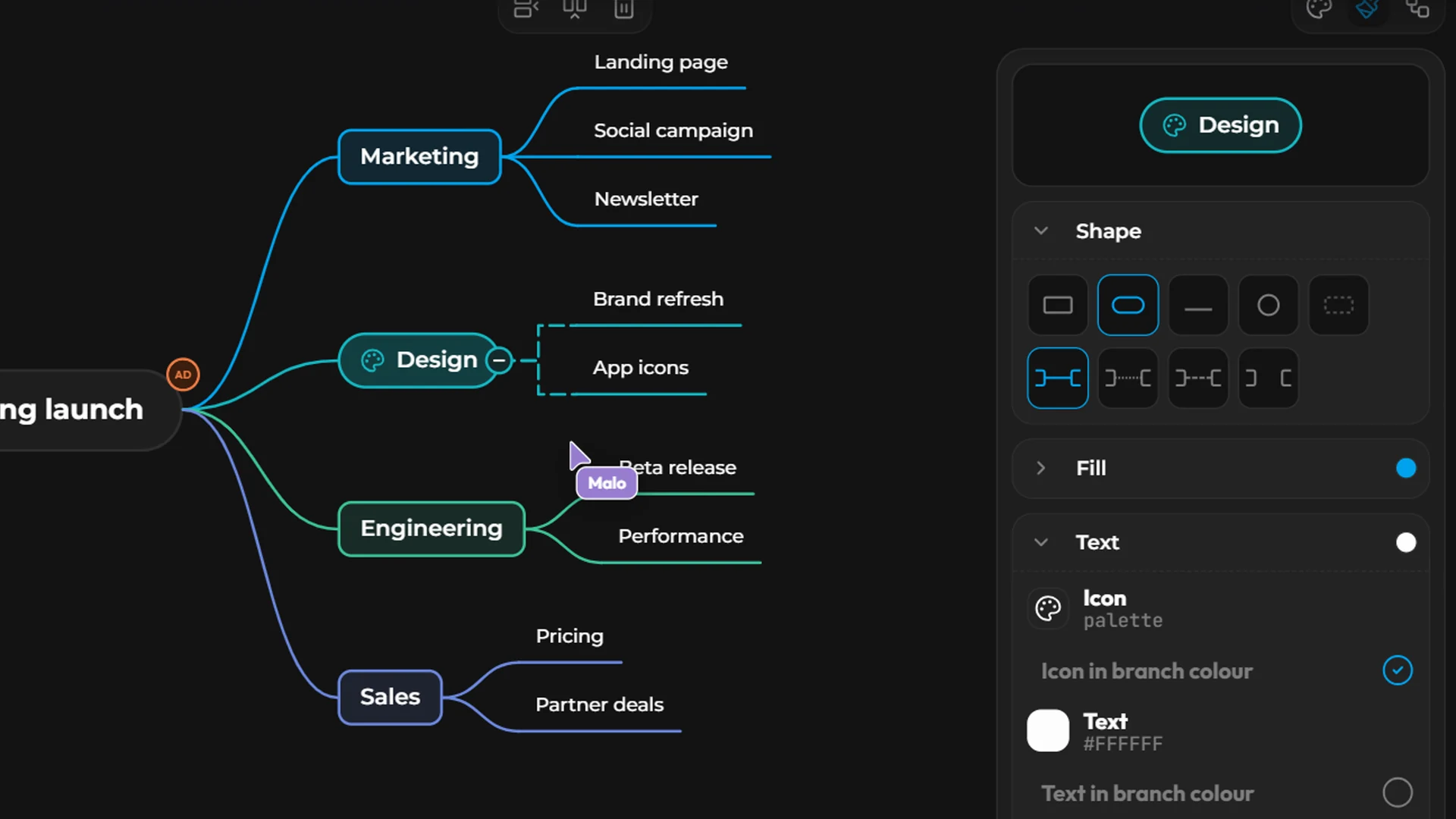
The Style button opens the style panel, for This node or the Whole branch:
Shape: rectangle, rounded, circle, line or none;
Fill and Text;
Links: straight, curved or elbow; solid, dotted or dashed;
The map's theme
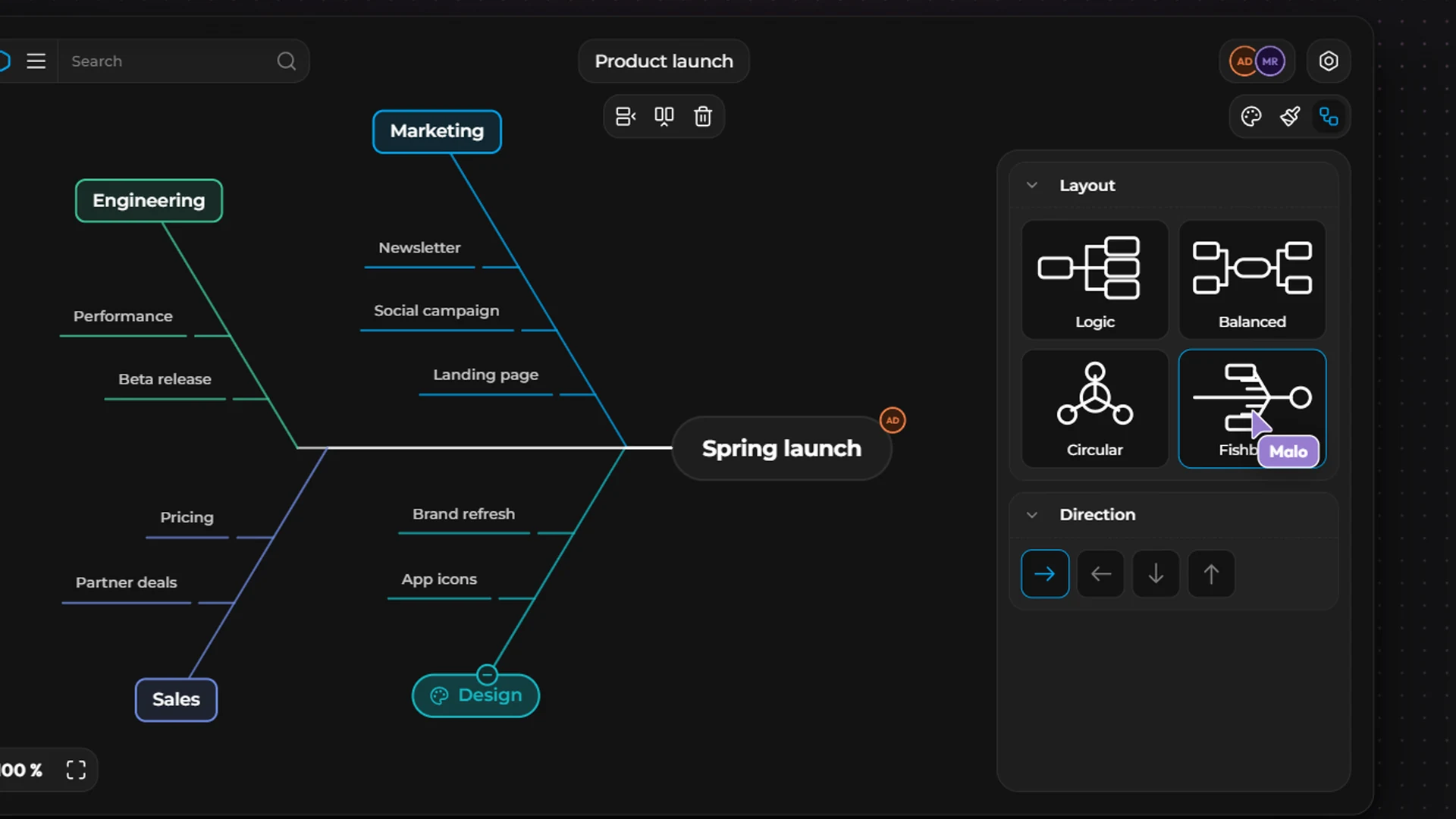
Configuration › Theme:
Layout: Logical, Circular, Balanced, Fishbone;
Direction: left to right, right to left, top to bottom, bottom to top;
Packing: Tight or Orbits;
Colors: color By branch or By level, and a palette (Kubme, Pastel, Vivid, Warm, Cool, Ocean, Forest, Earth, Sunset, Berry, Candy, Muted).