The Sites component builds multi-page websites, with no code: pages, designed sections, themes, content collections and translations.

Creating your site
When you create it, Kubme guides you with four questions:
What site do you want to create? Pick a type: personal, business, nonprofit, event, restaurant, law firm, health, crafts, startup…
Choose a starting point: a template suited to that type.
What should your site say? The content to plan for.
Languages: the Main language and the ones Also offered to visitors.
Your site is ready to customize.
With Kubme AI
Ask Kubme AI: “Create the site of my Italian restaurant in Lyon, with the menu, opening hours, a gallery and a booking form.”
The interface
The top bar offers:
Design / Data: the layout or the content (collections, translations);
Pages & sections / Components: the left panel;
Laptop / Smartphone: preview per device;
light and dark modes;
Language: the language shown;
Preview: the site as your visitors will see it;
Configuration.
Pages and sections
In the Pages panel: Add a page, Add group (a navigation drop-down) and Add a section.
Each page has a Name, an Address, a Role (A regular page, Home page, Page not found), a Header and a Footer.
A page is made of sections. To add one: Add a section, then a type and a design. You can choose Basic sections (“Empty, to build everything”) or sections Already filled, ready to edit.
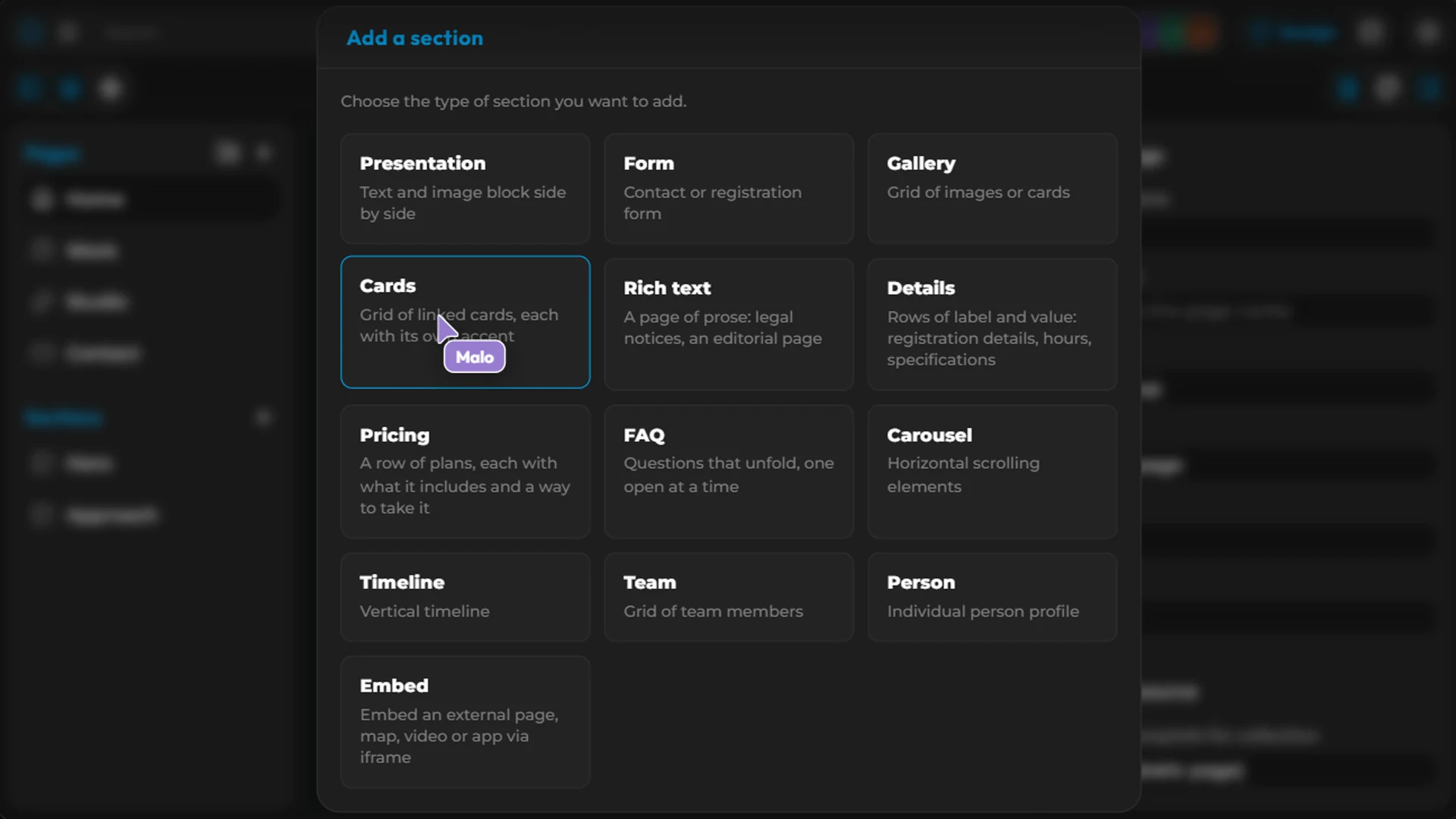
Each section has settings: Style, Background, Backdrop (theme surface or design backdrop) and Data source.
Reusable components
The header, the footer and the buttons are defined once and reused on every page: Components tab of the left panel.
Collections
A collection is structured content that repeats: the dishes on a restaurant menu, team members, articles.
Switch to Data › Add collection.
Add columns (text, image, action) and rows.
Link a section to the collection (Data source › Collection).
For a detail page per item, create a page with Detail template for the collection.
Translations
In the Data › Translations view, each text of the site shows with one column per language.
Theme and design
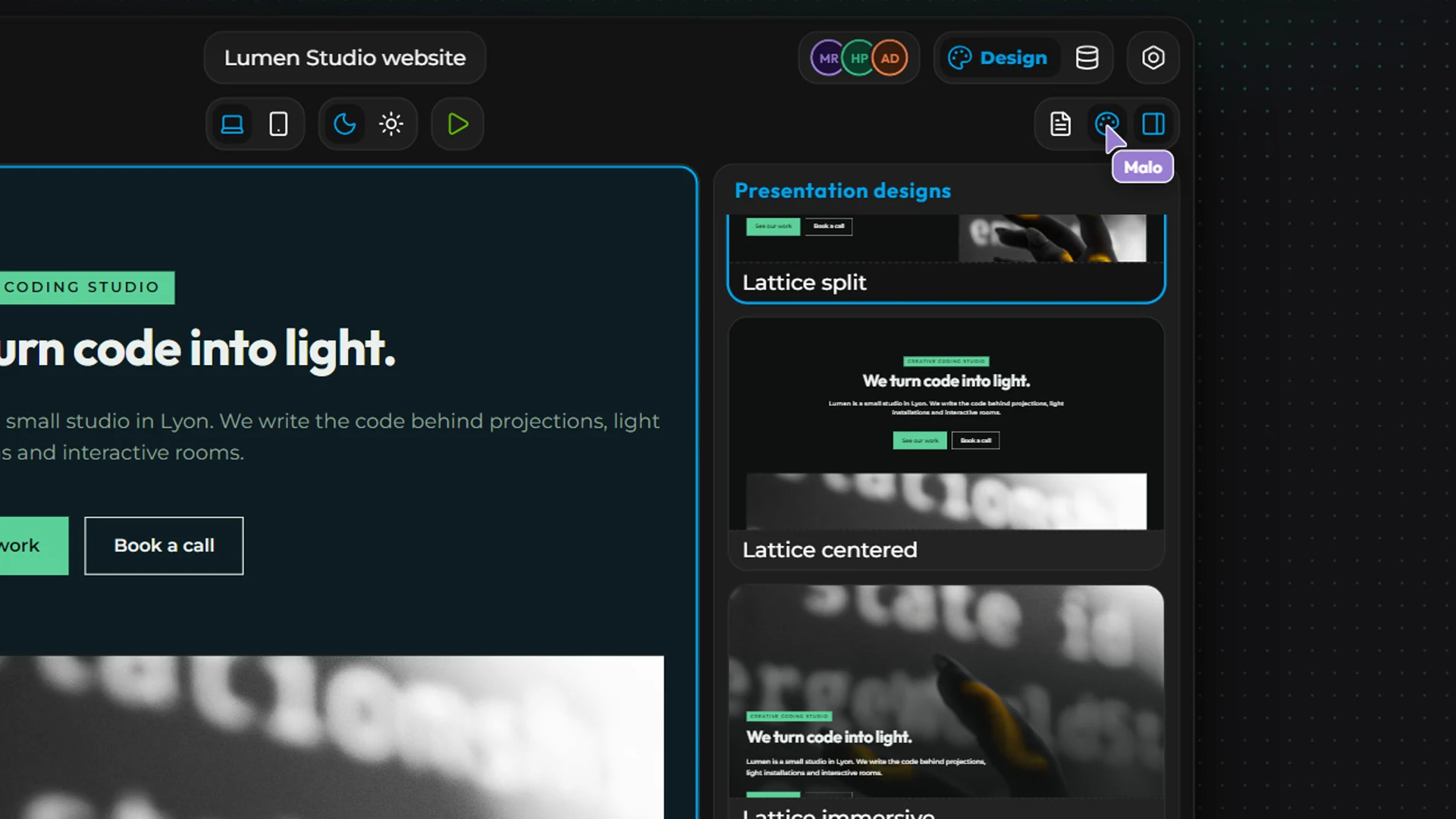
Configuration:
Themes: apply a theme while keeping your palette (Keep my palette) or adopting its own;
Palette & Typography: primary and secondary colors, backgrounds, text, extra colors, light and dark modes, fonts;
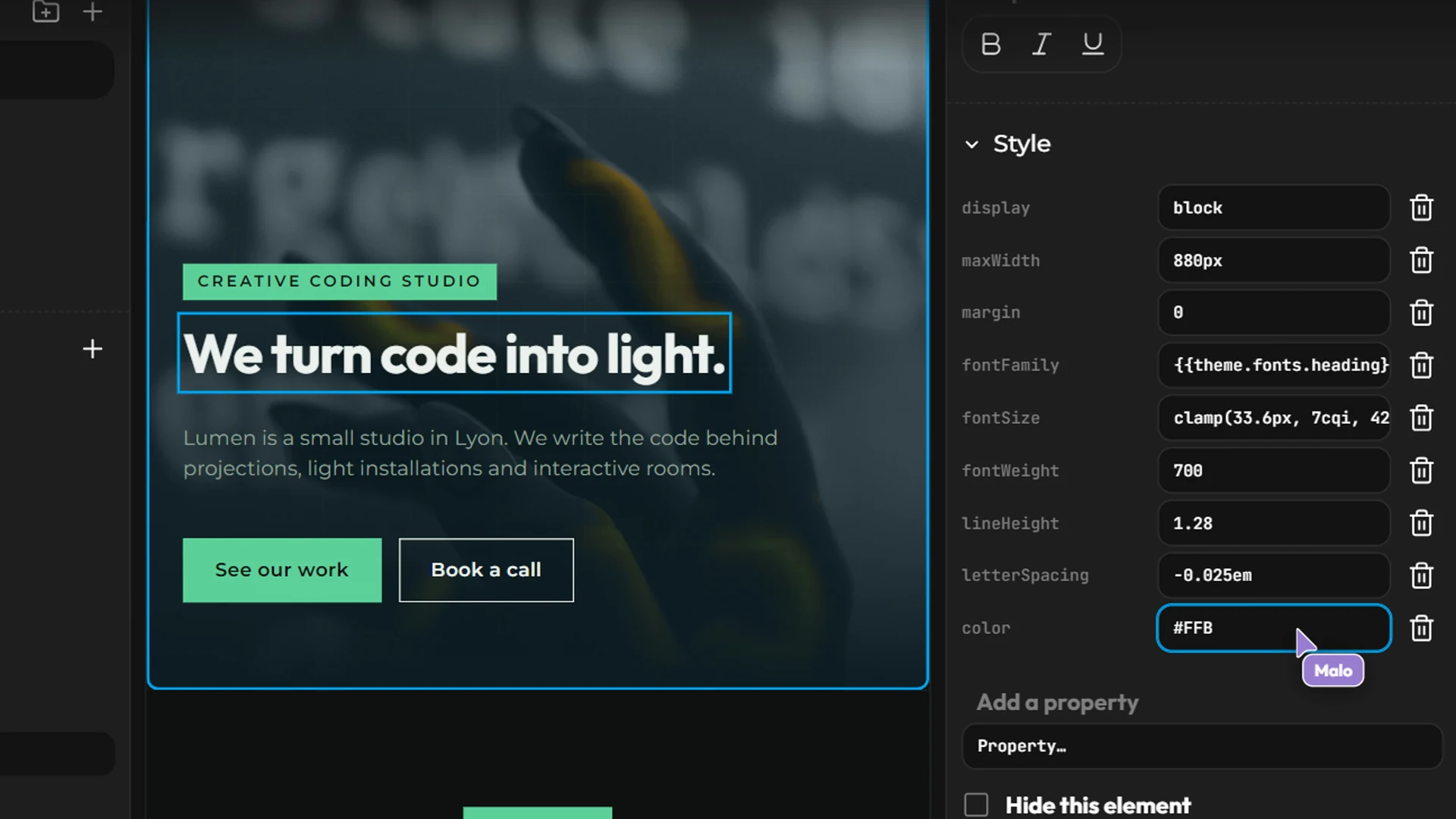
Editor › Advanced editing: override the style of any element of the design.
Going live
A site is published at a kubme.app address or on your own domain: see Kubme and custom domains. Remember to create a version before publishing. The published site is lightweight: it never loads the editor.